
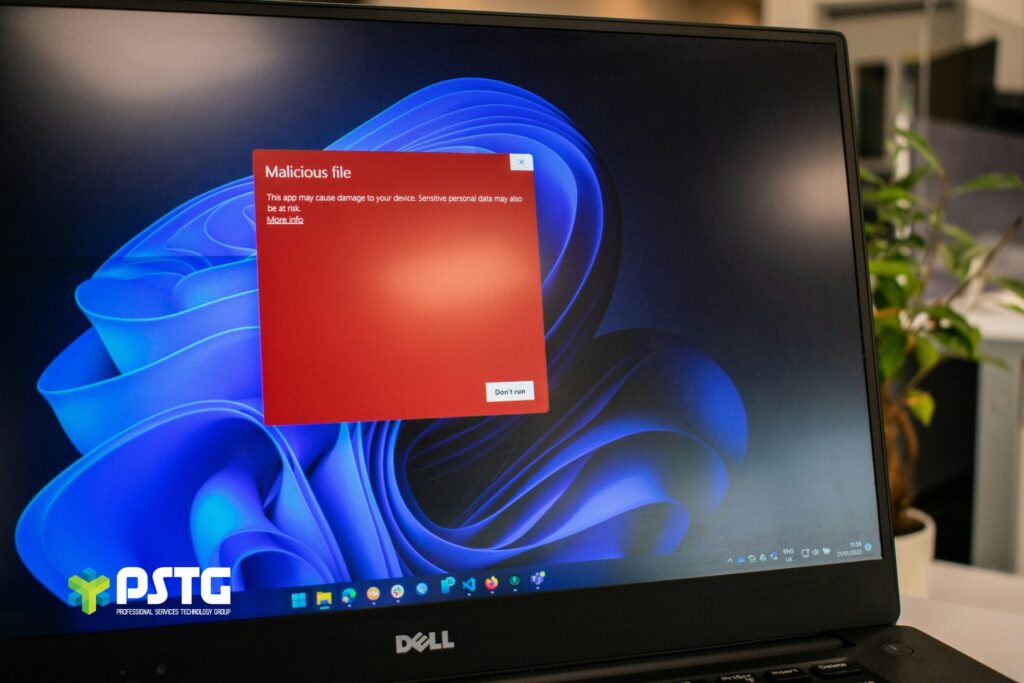
Businesses already know that cybersecurity matters. In fact, that’s one of the biggest reasons why many organisations choose Microsoft Business Premium in the first place. As a comprehensive platform, security is built into its foundations, creating confidence that the tools needed to protect users, devices, and data are already included within the licence. There’s a certain reassurance in knowing you don’t need to source, manage, and integrate multiple security products individually.
The challenge is that the cybersecurity landscape is surrounded by buzzwords. New threats, new technologies and new security products are constantly competing for attention. It’s easy to focus on the headline-grabbing features while overlooking the capabilities sitting in the corner.
Yet these less celebrated, less glamorous tools exist for a reason. Failing to use them – especially when they’re well within reach – could leave gaps in your security without you even realising it.
What you have vs. what you’re leaving behind
If you’re using Business Premium, there’s a good chance you’re already benefiting from several important and very well-known security features. The most likely candidates include…
1. Multi-factor authentication (MFA): This is set up in Business Premium by default, so unless you’ve disabled it, you already have an additional layer of protection beyond passwords alone.
2. Anti-malware, anti-spam and anti-phishing policies: These protections are built into 365 mailboxes and work continuously in the background to prevent email-based threats from reaching users.
3. Allow access & block access policies: These fall under Microsoft’s Basic Mobility & Security function, helping organisations secure data on managed devices and control how users connect to resources.
These features provide an excellent security foundation, but they’re only the tip of the iceberg. While they’re switched on as standard, beneath the surface of Business Premium lie some additional capabilities that often remain unconfigured despite being included within the licence.
Your security posture may benefit from enabling these features:
1. Conditional access allows organisations to create more granular security policies based on a Zero Trust approach. Access decisions can be influenced by location, device compliance, user risk or application sensitivity. This ensures that security adapts to the context of each sign-in attempt.
2. Safe links and safe attachments are included through Microsoft Defender in Business Premium. They provide another important layer of protection by inspecting links and attachments before users interact with them, identifying malicious content that may bypass traditional filtering.
3. Mobile application management is an enhanced Basic Mobility & Security feature for Business Premium. It enables organisations to have better control of how corporate data is accessed, stored and shared on mobile devices, reducing the risk of accidental data leakage and data loss.
Default isn’t enough
Cyber threats continue to evolve. At the same time, businesses are more focused than ever on growth, customer service and day-to-day operations. As a result, security often gets pushed aside.
The good news is that many of the controls needed to strengthen protection are already included within Business Premium. In many cases, improving security doesn’t mean you need to rethink your entire operation or spend on new tools; it just means optimising the ones you already own.
A Microsoft licensing and configuration audit can help identify which capabilities are active, which are underutilised, and where improvements can be made. Get in touch to find out more.